Install ESP-IDF Components
You can install the ESP-IDF Components directly into your project from the available components in ESP-IDF Component Registry. Follow the steps below:
Right-click on the project where you want to add the component in
Project Explorer, and selectESP-IDF: Install ESP-IDF Components.A new window will open, displaying all available components that can be installed.
In the window, click the
Installbutton to add the selected component to your project. To view a component’s README file, clickMore Infoto open the README in your browser.
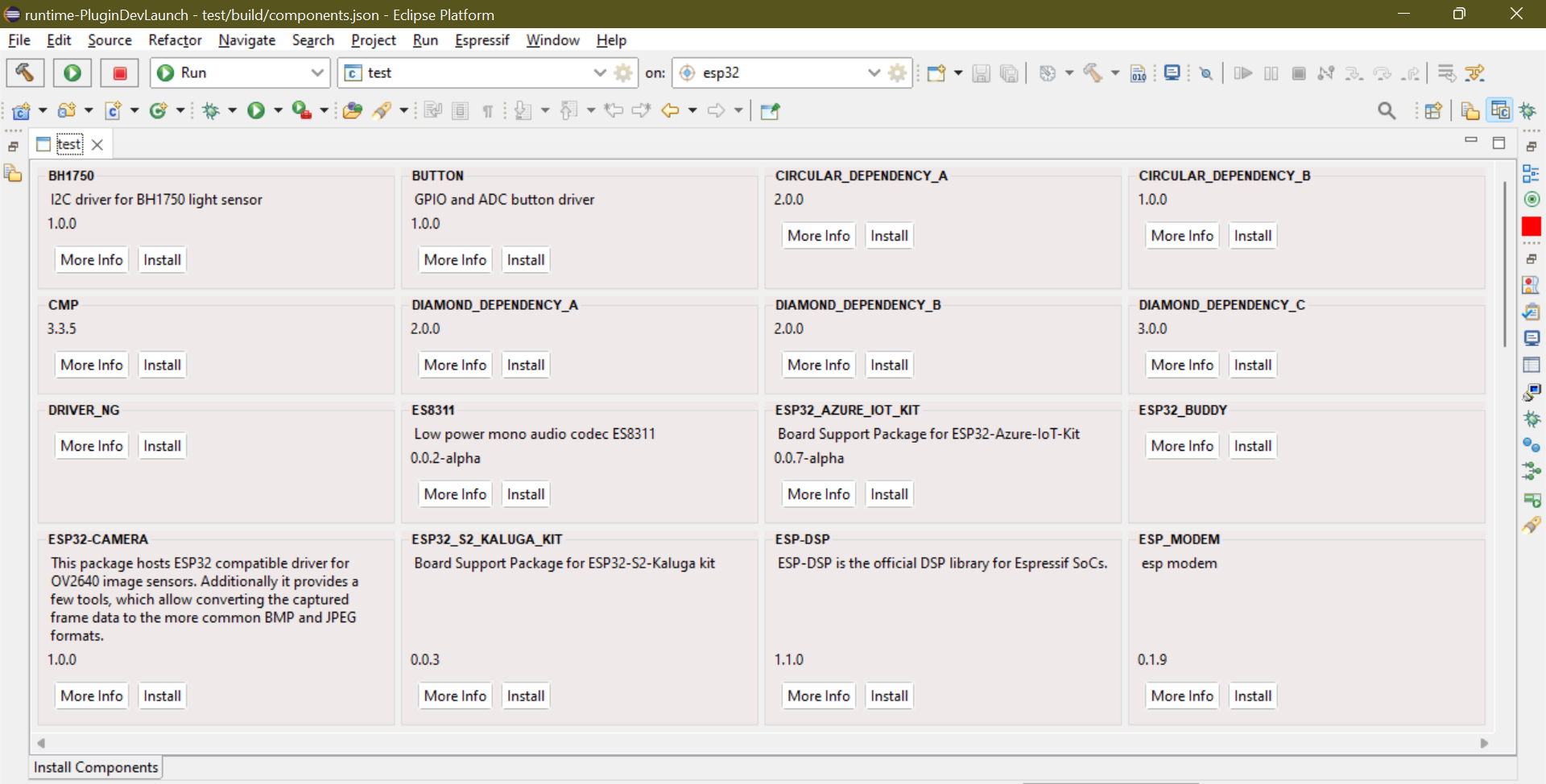
Already-added components are also shown, but the Install button text changes to Already Added and is disabled.